
Welcome

arrlAn ARRL Affiliated Special Service Club

The Santa Fe Trail Amateur Radio Club is a general-purpose club with the goal of promoting and supporting the educational and operational aspects of ham radio through ham radio classes, on-the-air events, and hands-on activity. THE SATURDAY BREAKFAST MEETINGS ARE HELD  AT PERKINS IN GARDNER EACH SATURDAY. YOU ARE WELCOME TO JOIN US 6:30 AM TO ~8:30AMThe monthly business meeting is the 2nd Saturday of each month. This meeting is a hybrid meeting in which you can attend in person at Perkins in Gardner or you can attend via a Zoom connection. Additionally, the club holds a Tech Night presentation via Zoom the last Thursday evening of each month at 7:30 pm. Log in to the web site and select the "Links/Zoom Links" menu to find meeting links or contact a club officer. 

Ensor Museum Signup

Please click the link below to signup as a volunteer for the Ensor Museum tours for September 2026.

https://www.signupgenius.com/go/4090C45A5AA2CA3FD0-65549829-ensor

Upcoming Events

12 Sep 2026;
08:00AM -
SFTARC business meeting
15 Sep 2026;
08:00PM -
SFTARC Net
22 Sep 2026;
08:00PM -
SFTARC Net
24 Sep 2026;
07:30PM - 08:30PM
Tech Night - Dual-band Antenna Designs and Techniques
29 Sep 2026;
08:00PM -
SFTARC Net
03 Oct 2026;
08:00AM - 05:00PM
Wichita Area Hamfest & KS ARRL Convention Oct. 3rd, Wichita, KS.
06 Oct 2026;
08:00PM -
SFTARC Net

Use these general rules for publishing articles on the SFTARC web site. 

Any article submitted will generate and email to the site administrator.

User privileges (User Group) determines what actions a user has access to. The default user privilege for a new user is "Author". Additional privileges can be added by request to the administrator. The user privileges associated with articles are:

  1. Author - Can submit an article and edit your own articles. Your article will be set to "Unpublished" and not visible on the site until a user with Publishing privileges sets it to ""Published".
  2. Editor - An editor can edit any article on the web site. This privilege is given to a limited number of users.
  3. Publisher - This user group has full privileges to create, edit and publish articles.

1. Use the "Publishing" menu selections to ensure your article images are placed in the correct "Category" in the web site. The Category defines where an article will be displayed either on the Home page or in a Menu item.

2. Make sure to set the following attributes in your article:

  • Category: Insure that there is a "Category" set or your article will not display were you expect it to. Most site menu items set the Category for you.
  • Status: Set to "Published" (This option is only available to users with Publishing rights)
  • Created by Alias: Your Name - (Call Sign)
  • Create Date: Click the calendar to set the current date
  • Start Publishing: Select the date you want the article to appear (articles will not be displayed on the site until Date is set)
  • Featured: Do not set "Yes". (only available to Publisher)

3. If you want your article to be "Featured" on the home page send a request to the site web master.

4. For long articles published as a featured article insert a "Readmore" function after your introductory text. The "Readmore" function must be outside of HTML  "<div> </div>" tags or you article will rearrange the home page content. Let an admin do this since it can be hard to determine without Administrator access.

5.Make sure the article text you paste in does not contain any HTML formatting by using the "Paste As Plain Text" button.

Paste As Plain Text

Select the "Code" Button at the top right of the editor to check for embedded HTML code.Use a text editor such as Notepad to remove formatting. Word documents are HTML formatted. (Administrator page only)

You should not have any FONT settings In your article, let the web site set the FONT SIZE and FONT TYPE  to the site default. If you want to size or format text use the "Styles" selections in the editor.

Editor Mode Selection


.

Trail Bytes

B-25 Project and Miltary Radios
29 Aug 2026

Mike Laney (KEØGHU) presented a talk on the B-25 Project and the radios used in the WW II bomber. Mike included several stories about the B-25 in WW II and the airmen who...

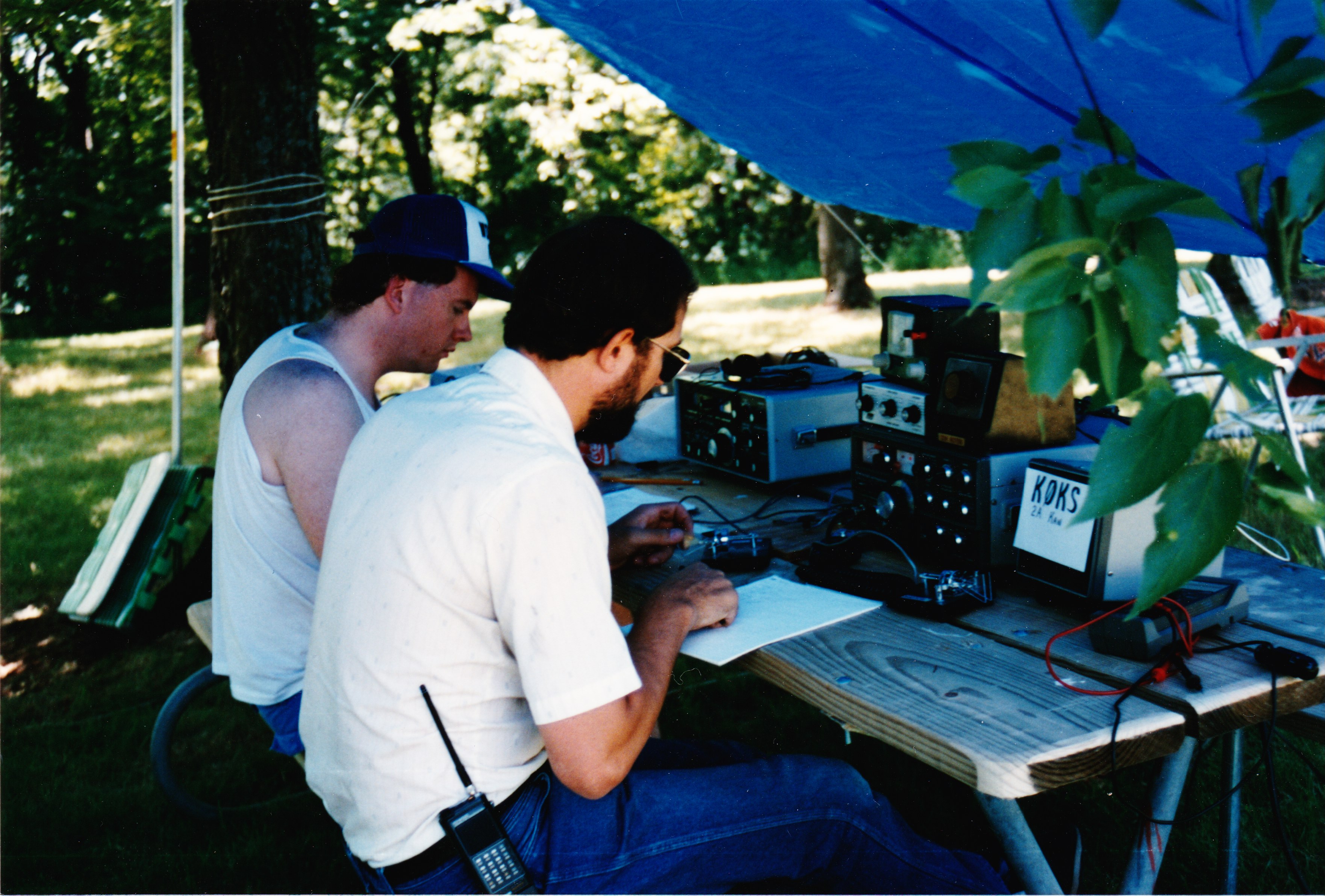
Field Day at Lake Olathe (Mid 1990s)
26 Aug 2026

This newspaper article about Field Day at Lake Olathe is from the mid 1990's. I found it in some of my old storage boxes. Some interesting old...

Military Radio - Pat, KFØOYS
13 Aug 2026

Pat, KFØOYS presented a talk on Military Radios for the SFTARC July 2026 Tech Night.He presented details for a simple radio made from readily available parts.

Kansas QSO Party Signup
08 Aug 2026

      Good Day to the Santa Fe Trail Amateur Radio Club.  It is that time of year again for the Kansas QSO party.  I am Jeff Darby,...

FD in Clolorado - Ex Honeywell-Olathe Hams
12 Jul 2026

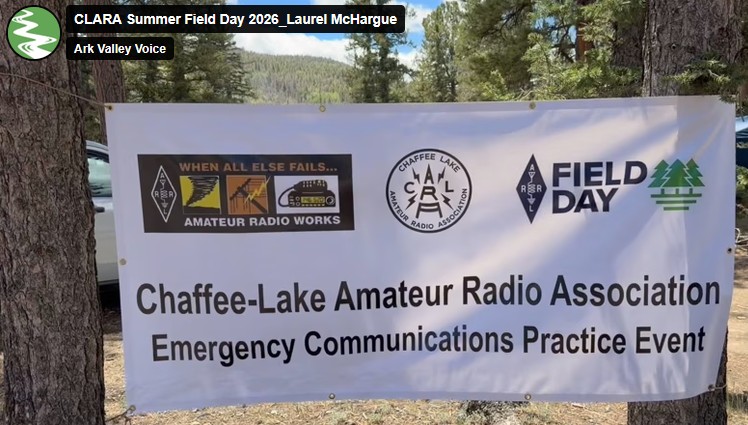
Several retired Honeywell-Olathe employees now live in Colorado and belong to their local Chaffee Lake Amateur Radio Association.  The local paper wrote up this very...

Field Day at a Ham Radio Landmark
03 Jul 2026

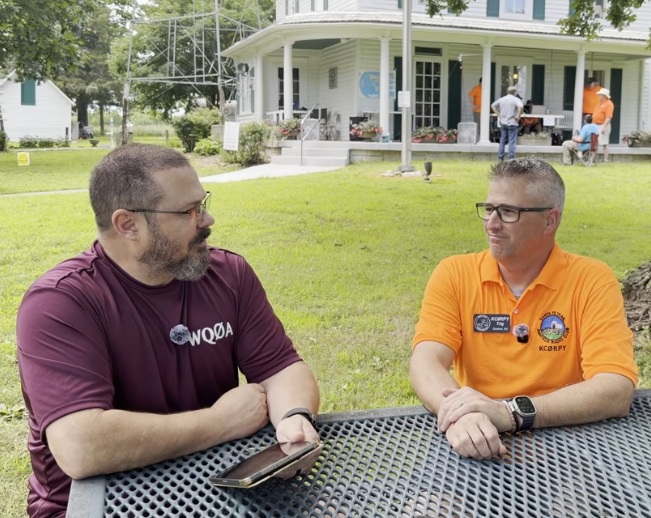
Brian, WQØA, presented a video on his YouTube channel titled "Field Day at a Ham Radio Landmark | Ensor Museum, Santa Fe Trail ARC & More". The video started with an...

Introduction to Grounding for Ham Radio
02 May 2026

At our April 30th, 2026, tech night, George McCarville, WB0CNK, covered essential grounding techniques for ham radio, focusing on safety, lightning, and RF grounding. Key...

Understanding 12V DC Power for Radio Amateurs
30 Apr 2026

     In the March 2026 tech night discussion, Tom Apalenek WA2IVD, highlighted that the commonly referenced "12V" is actually 13.8V, accounting for a ±15%...